Features.
Everything in Cresio, from a single tap counter to a work shift timetable.
Counter types
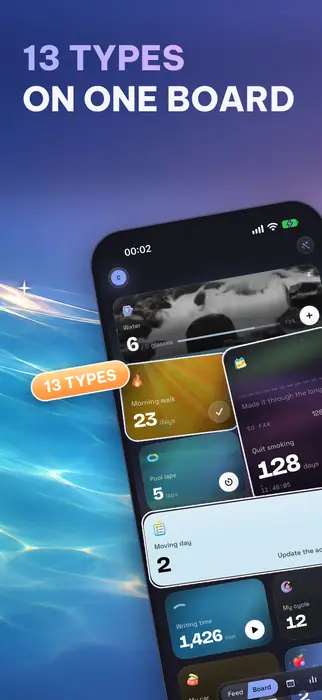
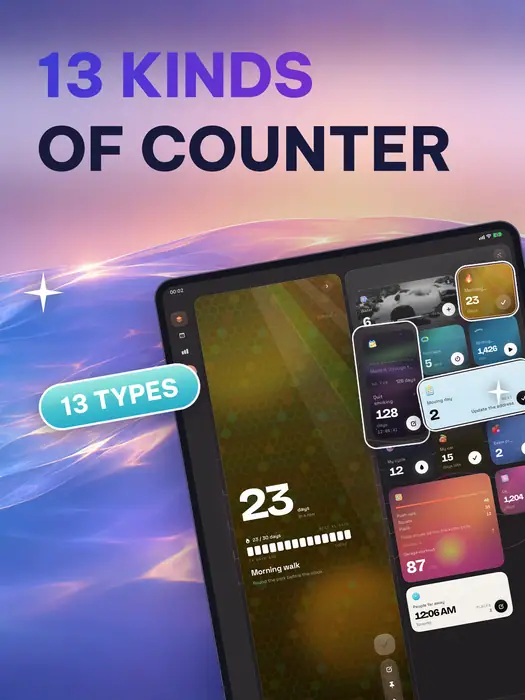
Fourteen types in four groups. Pick the one that fits what you are tracking.
Counting up
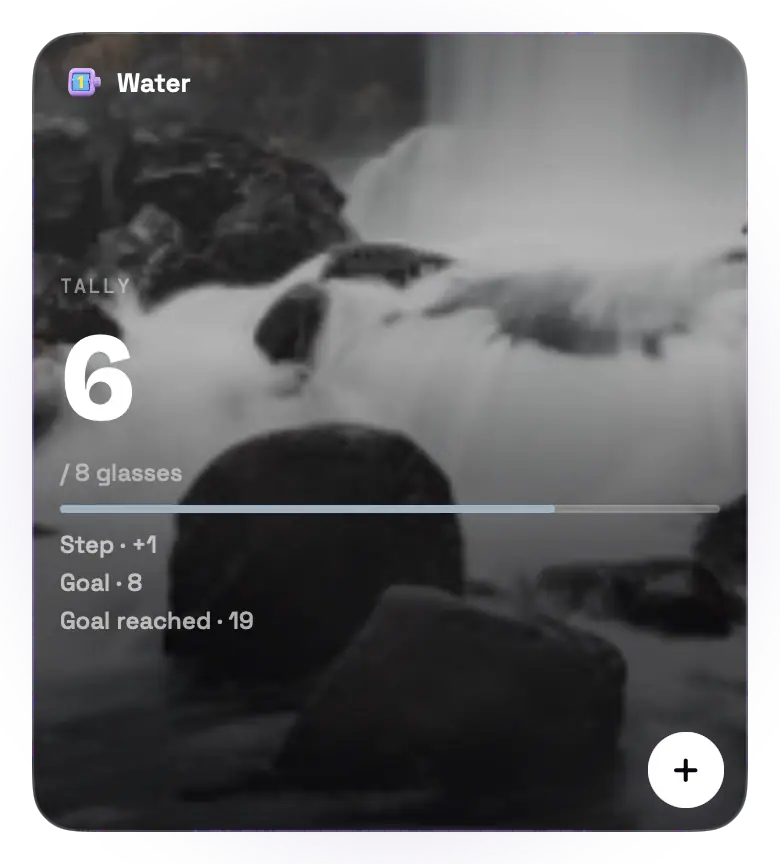
 TallyCount anything, one tap at a time.
 Multi-tallySeveral related counts in one counter.
Habits
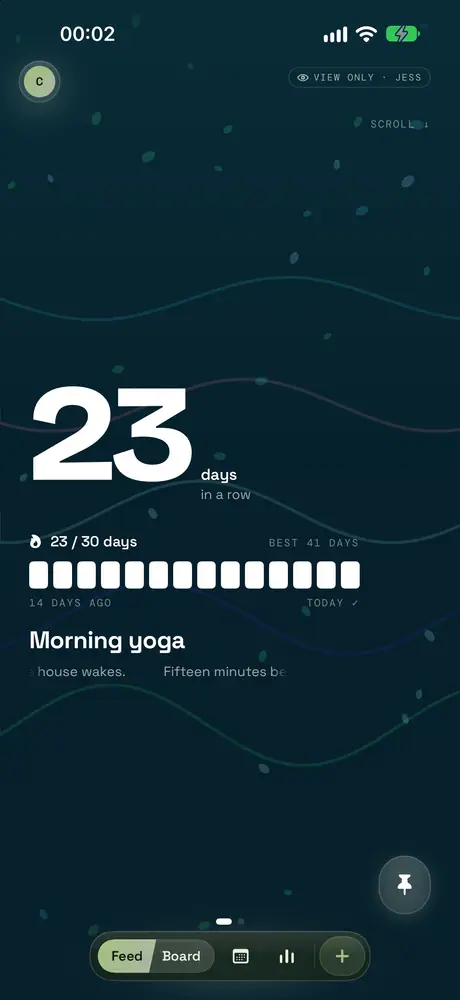
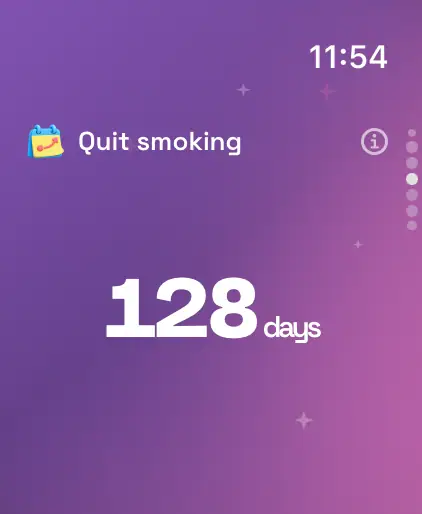
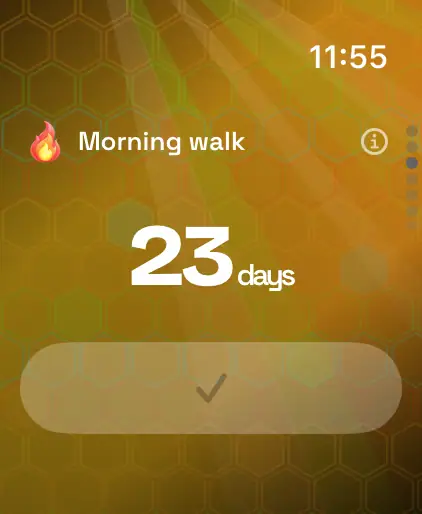
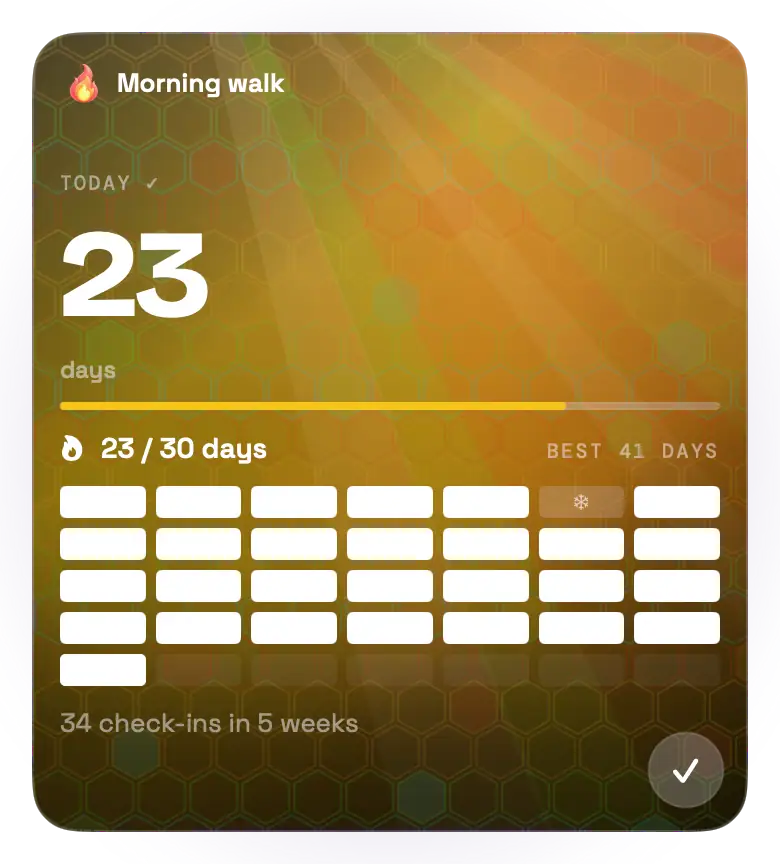
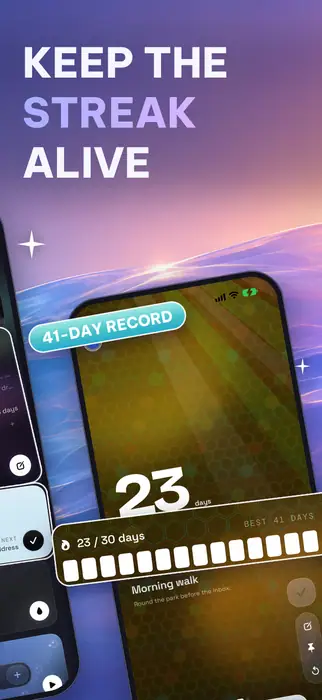
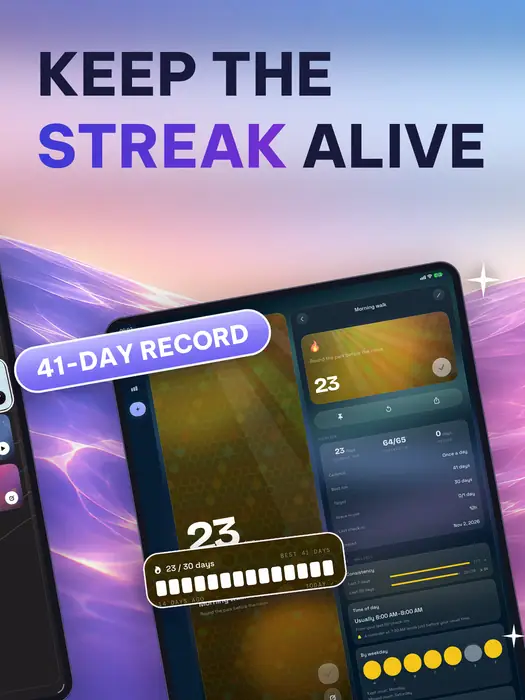
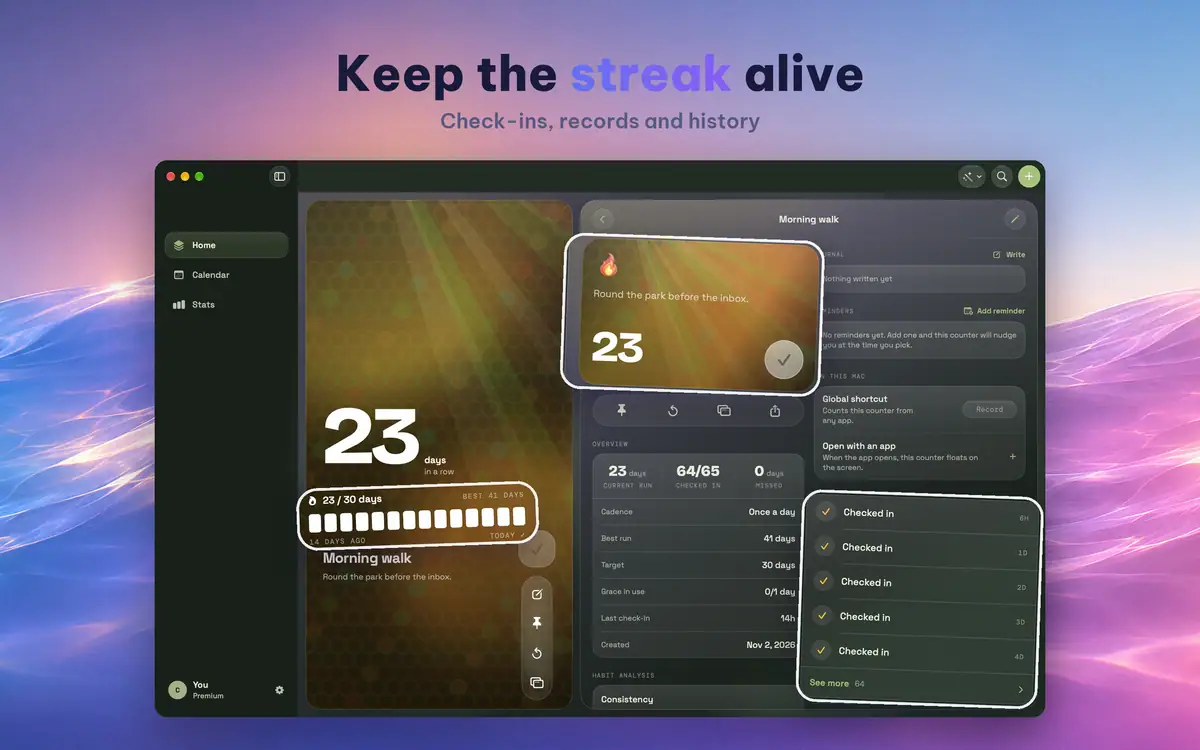
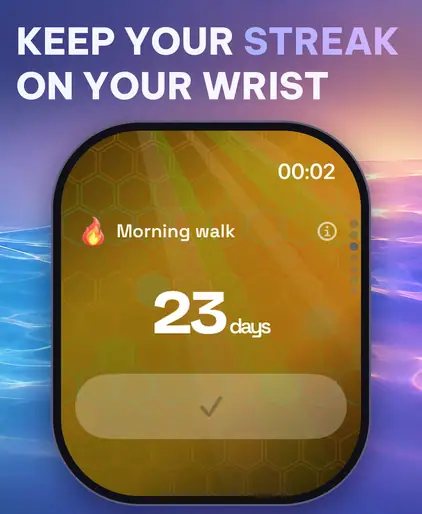
 StreakCheck in each day and keep the run alive.
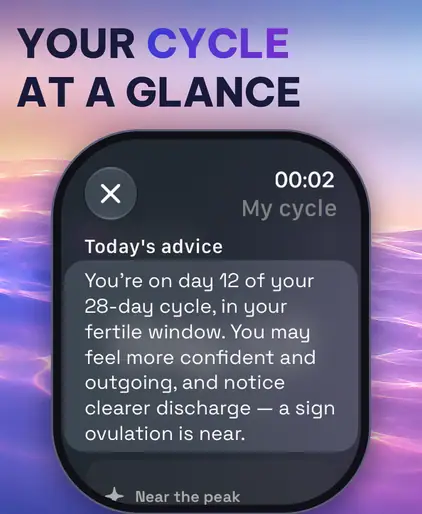
 CycleTrack a repeating monthly cycle.
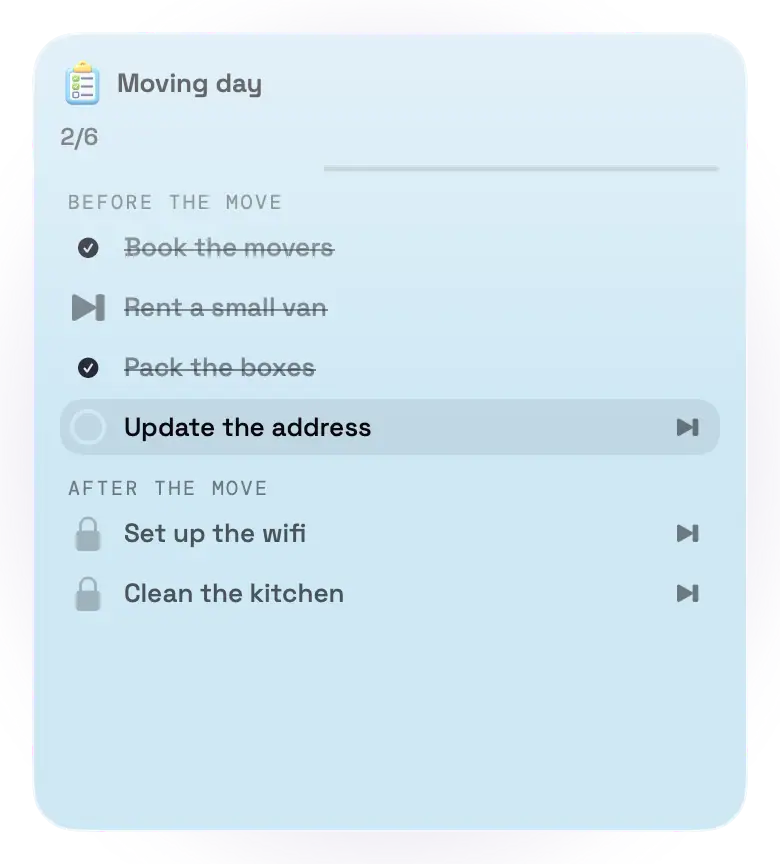
 ChecklistTasks in order, phase by phase: what comes first, then what is next.
Time
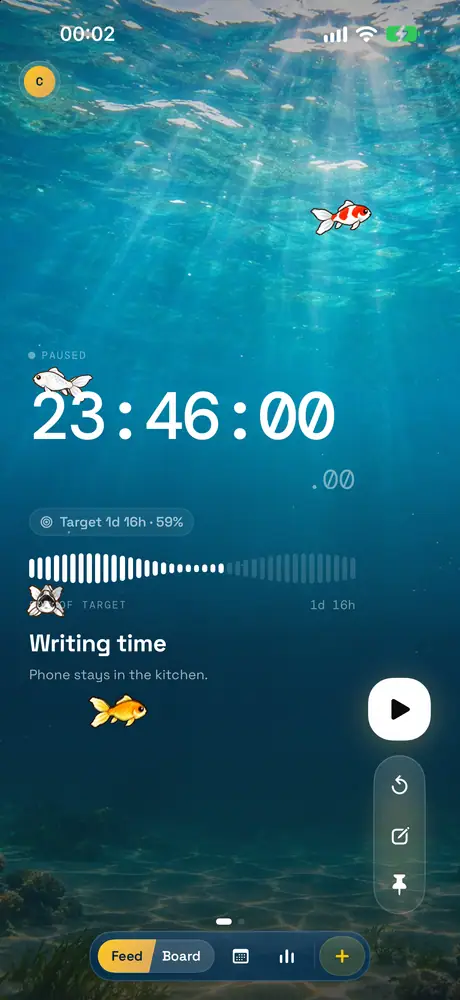
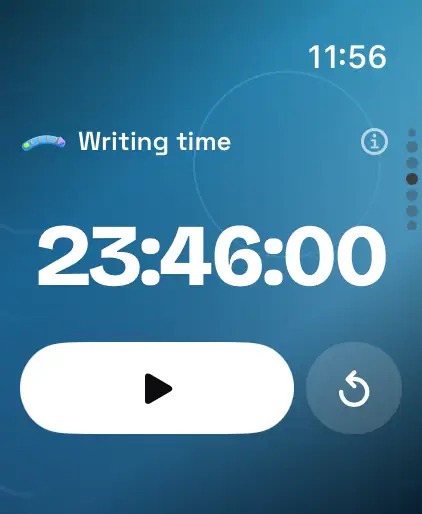
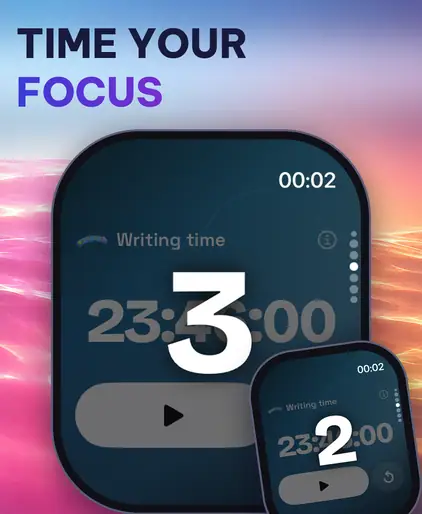
 DurationStart, pause and add up the time you spend.
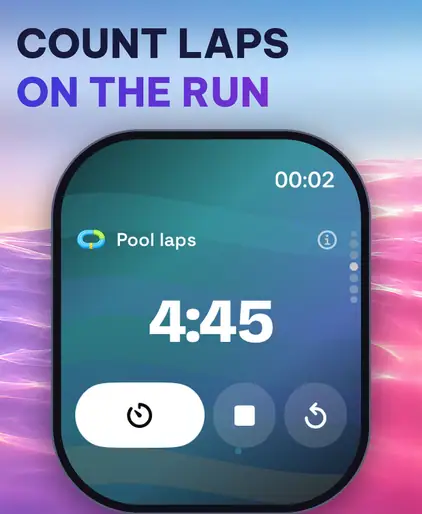
 LapsSplit times, lap by lap.
 PomodoroFocus, rest, repeat, and count the rounds.
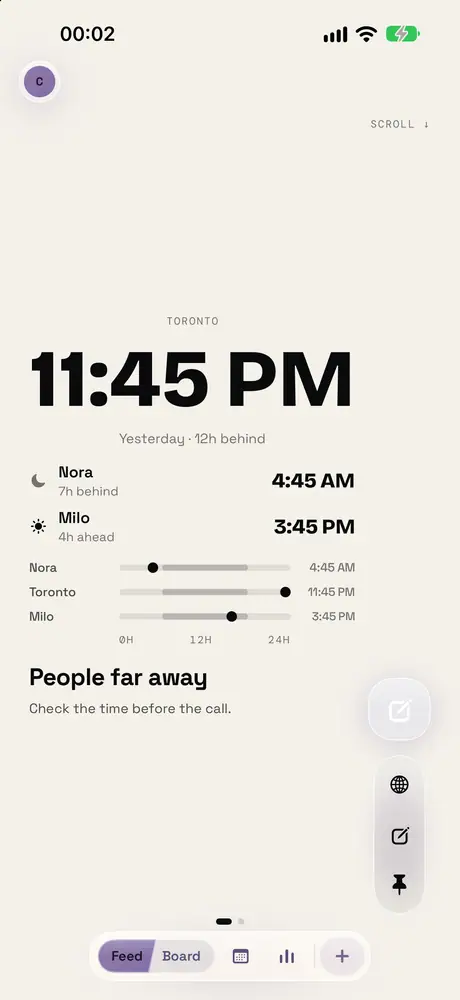
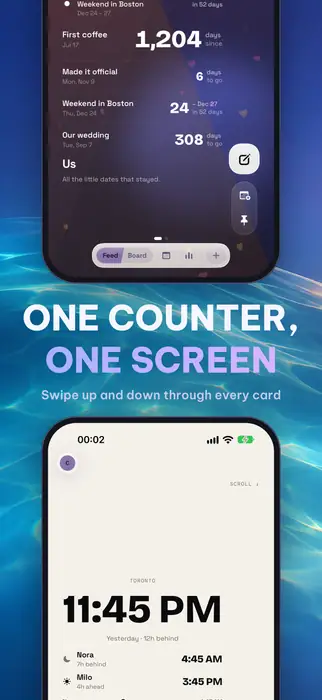
 World clockThe time where the people you think of are.
 TimetableClass schedules, work shifts or a plan for each day.
Dates
 Days sinceHow long it has been since a moment that matters.
 CountdownDays left until a date you are waiting for.
 AnniversaryEvery date worth remembering, in one place.
 Due datesWhat needs doing again or renewing, and when.
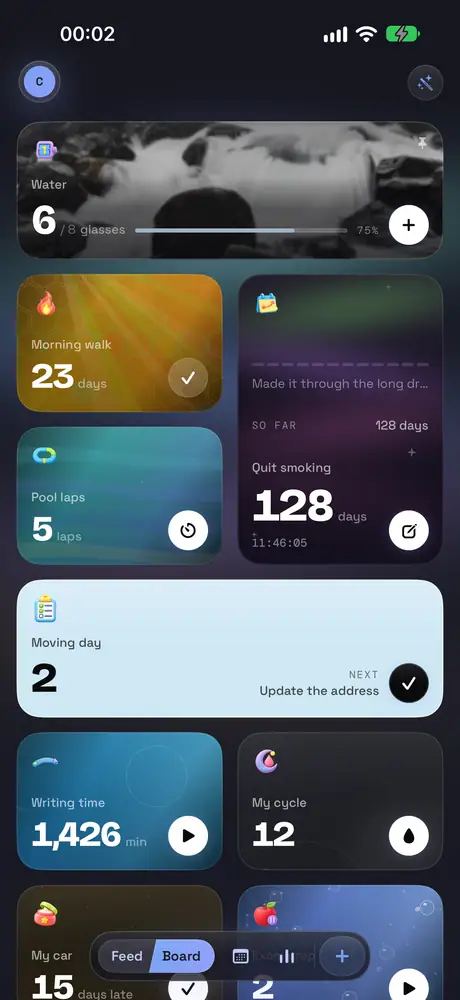
Feed and Board
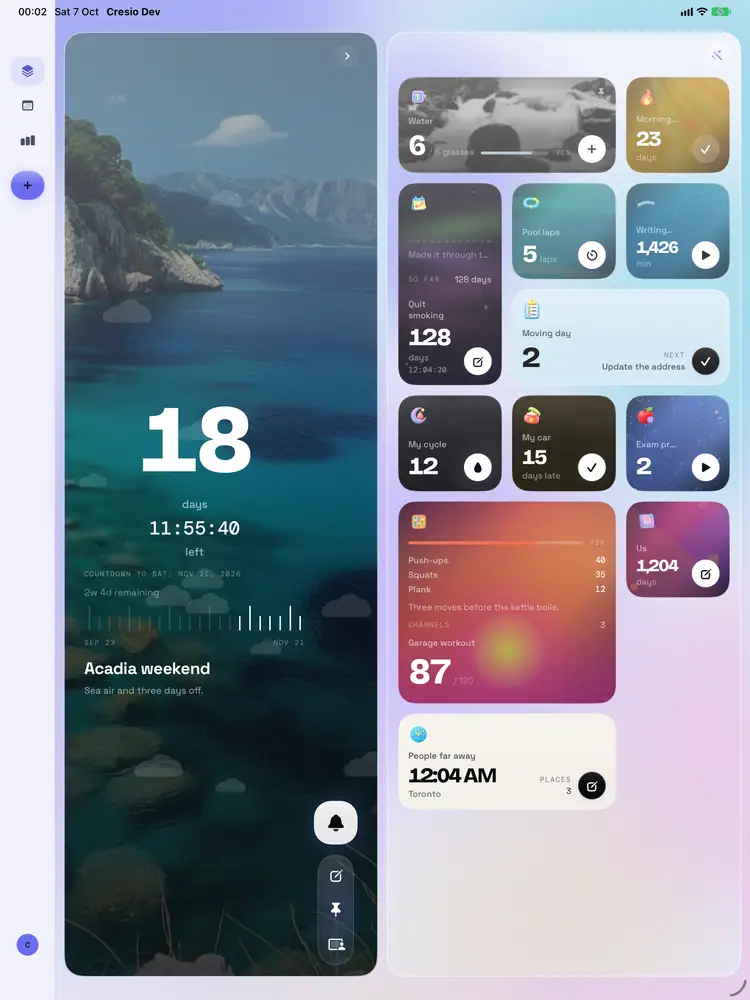
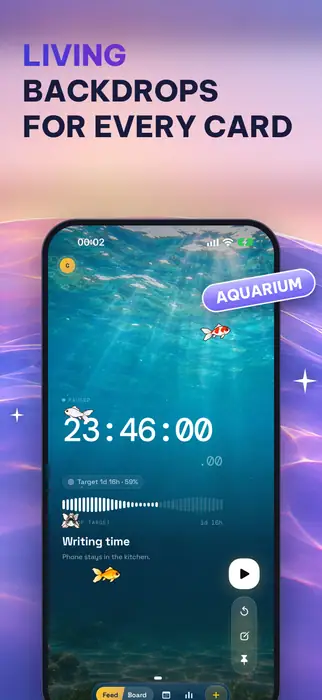
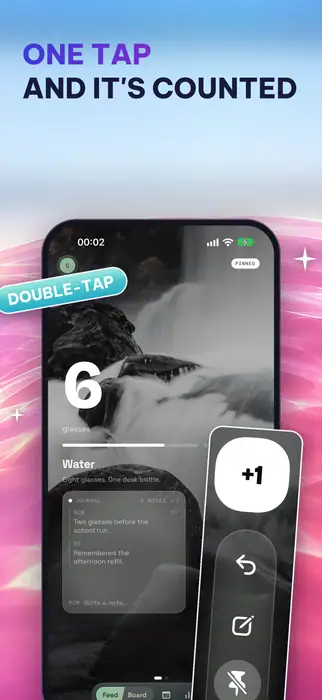
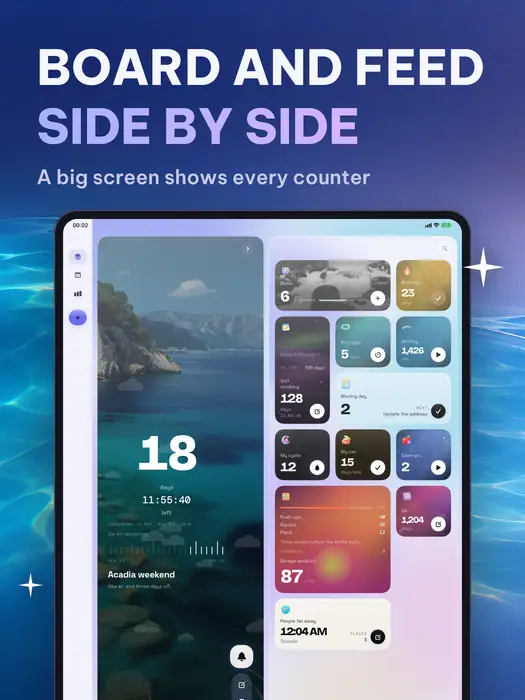
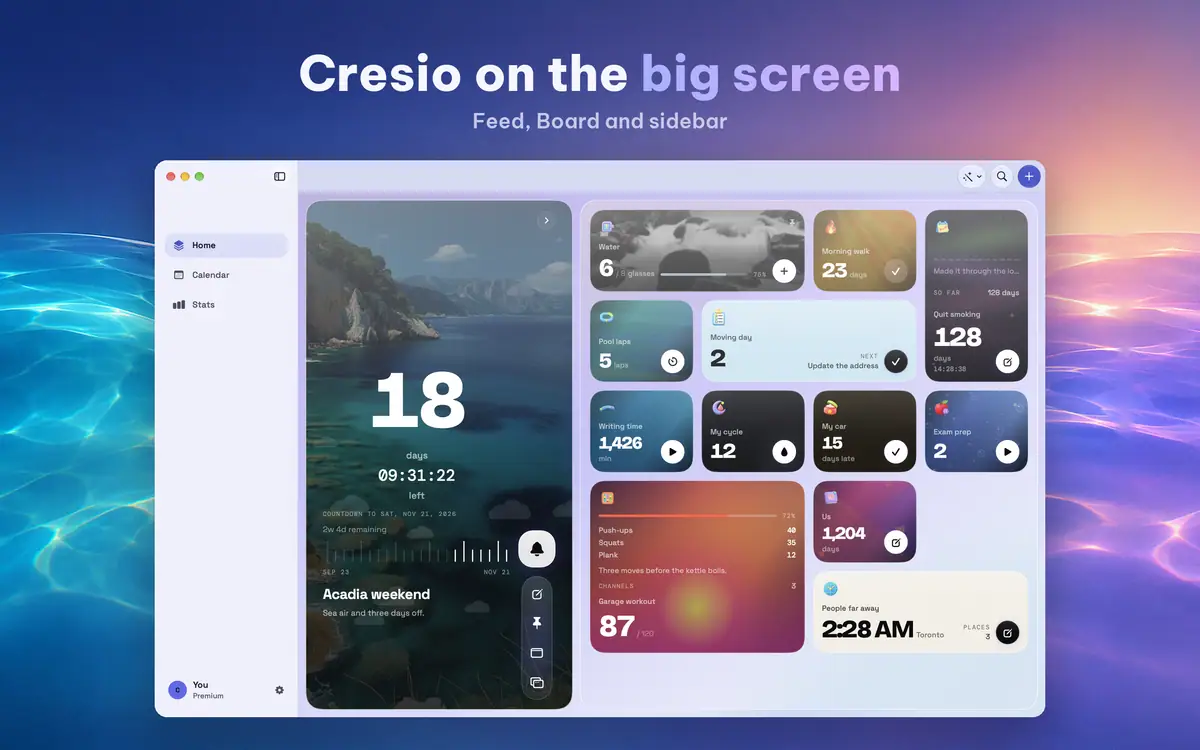
Every counter is a full-screen page with its own color, background and animation. Swipe up and down to move through them like a feed, or open the Board to see them all at once.
- Tap +1, double-tap, or use several channels at once
- Sort the Board by name, date created or type, and gather counters into groups
- The Feed brings back counters you have not looked at in a while
Make it yours
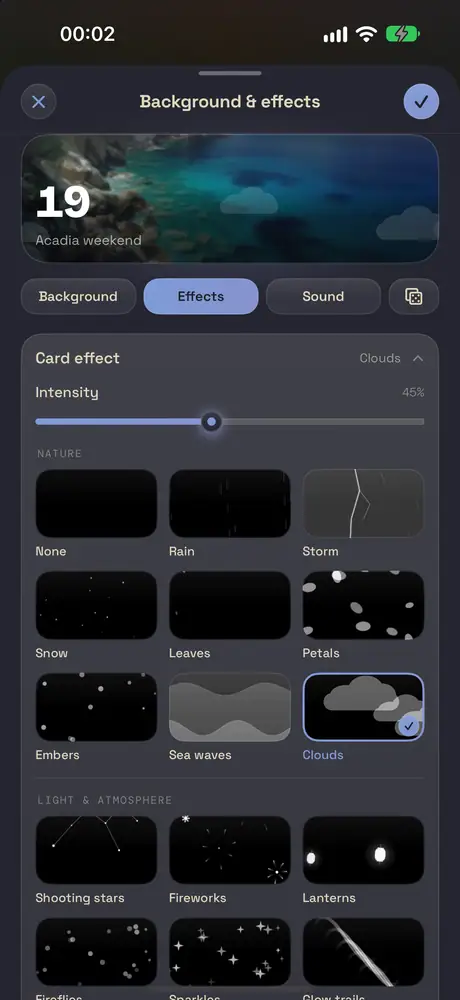
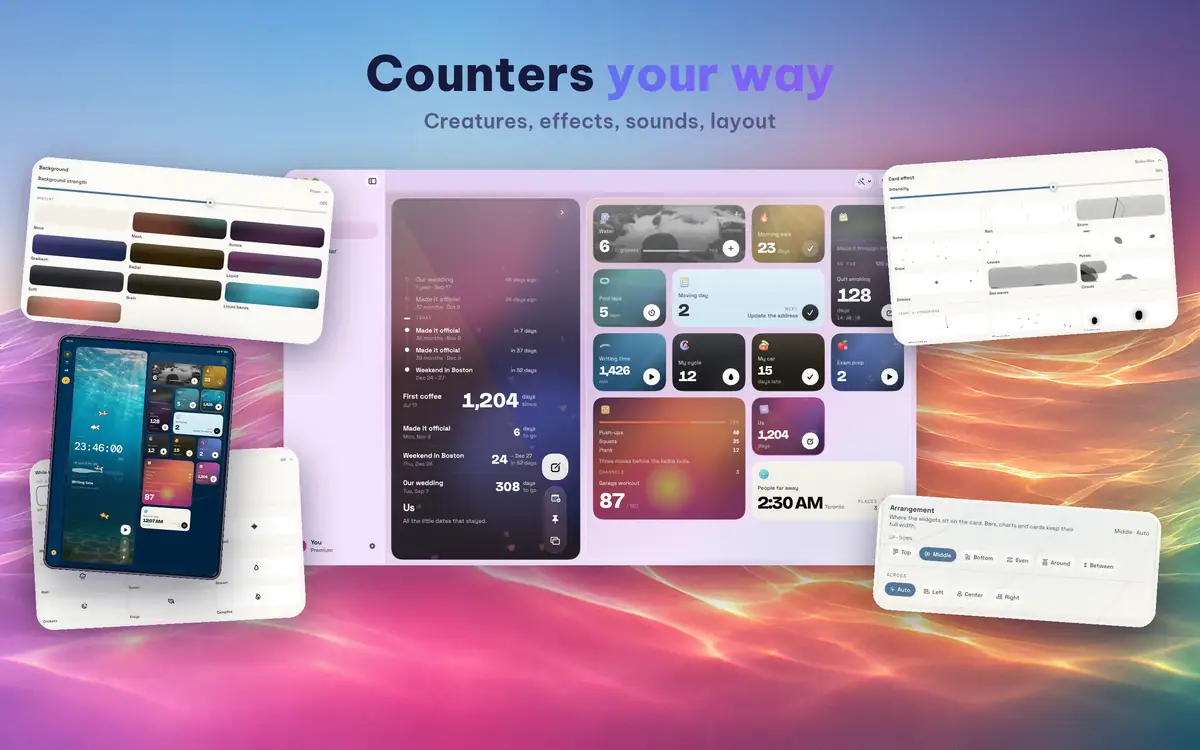
Make each counter look the way you want, from a quiet gradient to your own photo.
- Backgrounds, from designed patterns to your own photos
- Effects that drift over the card, and sounds that go with a tap
- Choose which parts each card shows, and how they are laid out
- Icons in 2D, 3D, Neon or Minimal, and palettes for the whole look of Cresio
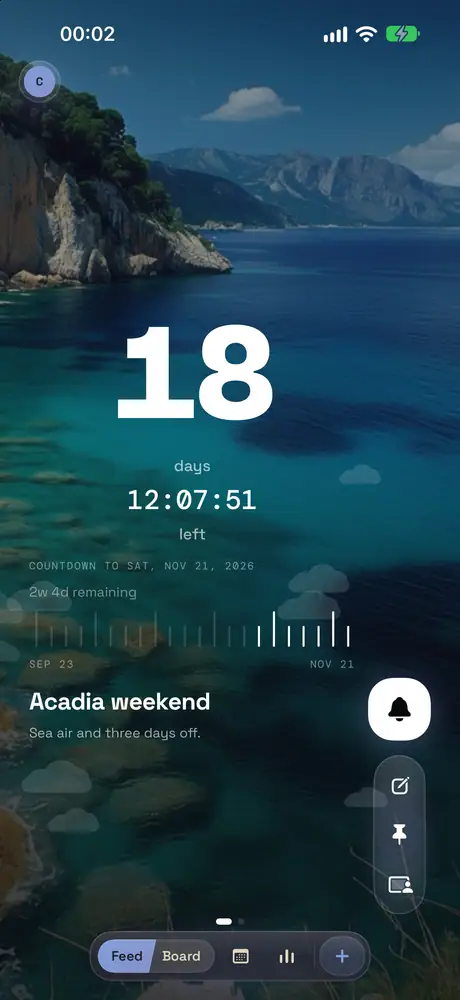
Widgets and Lock Screen
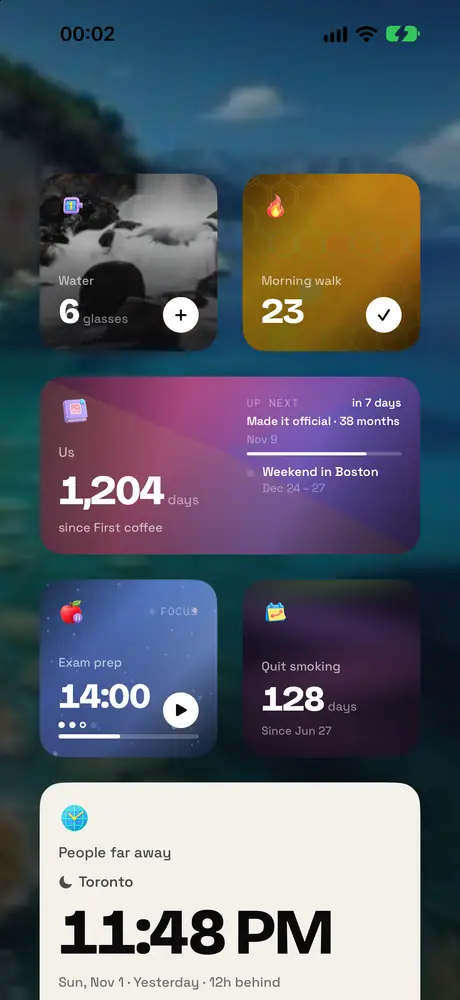
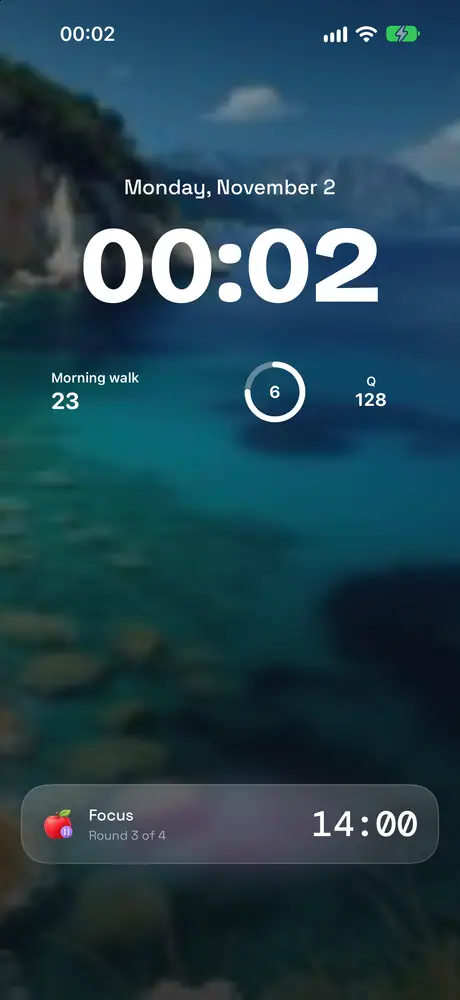
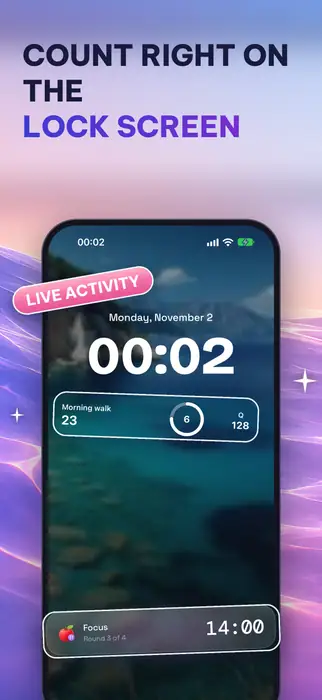
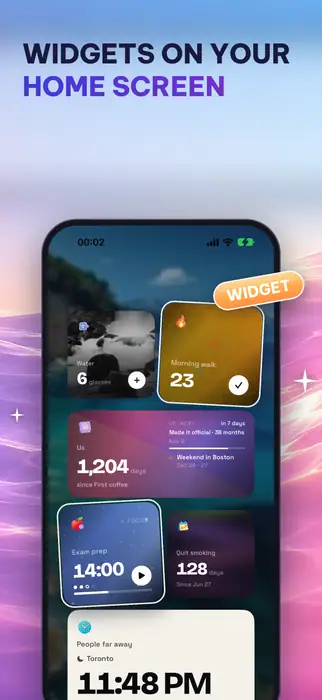
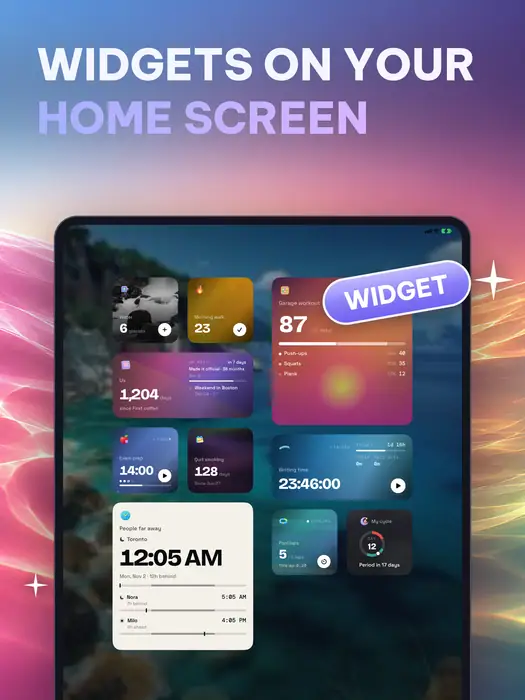
Count without opening the app. Put a widget on the Home Screen or Lock Screen, add a button to Control Center, or ask Siri.
- Live Activities on the Lock Screen and in the Dynamic Island follow a running timer
- Shortcuts, Siri and the Action button count, read a value or add a note
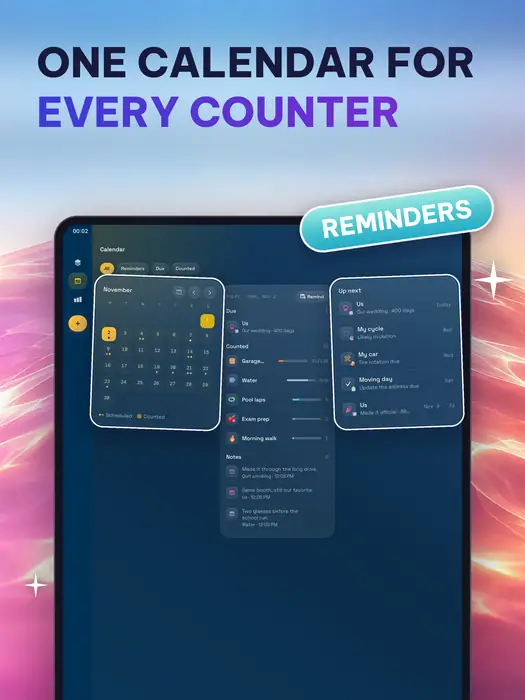
- Reminders for your daily check-in, and alarm-style reminders for dates that matter
Stats and journal
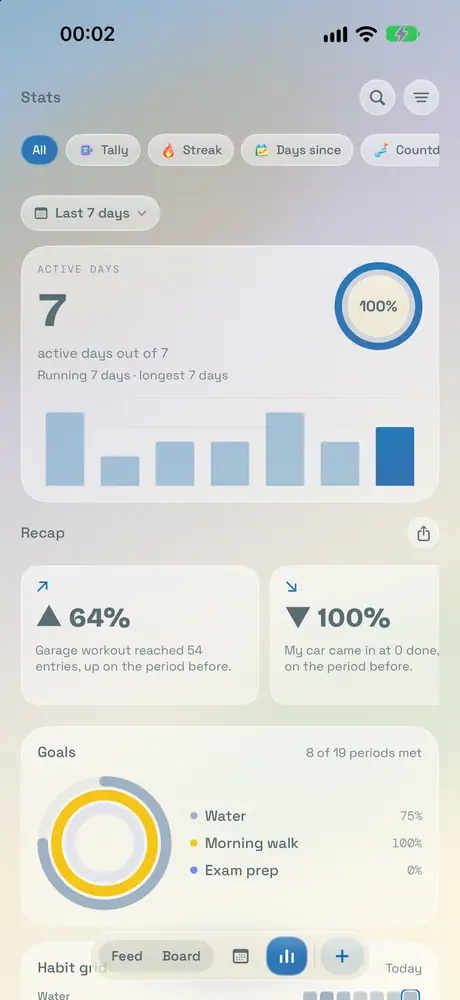
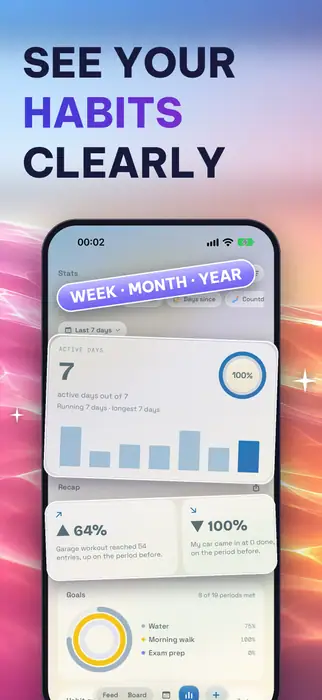
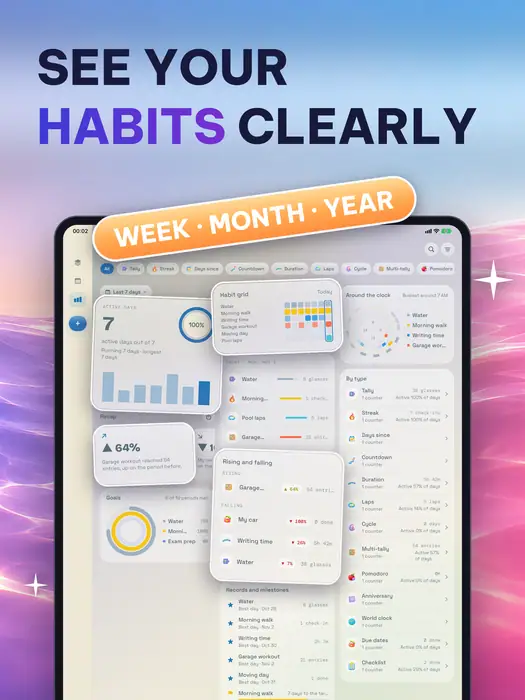
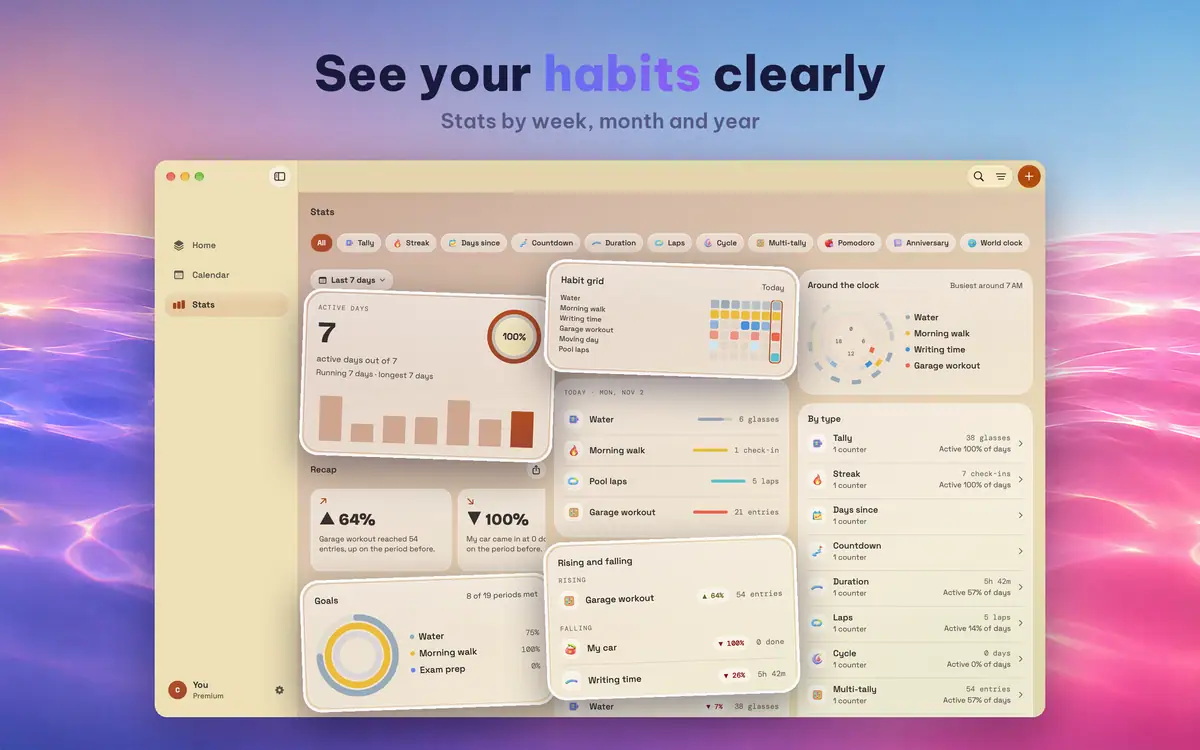
A counter is more than a number. Keep a journal for it, then look back at how you did.
- A journal for every counter, with notes and photos
- Statistics by week, month and year
- A day report compares a day with the week before
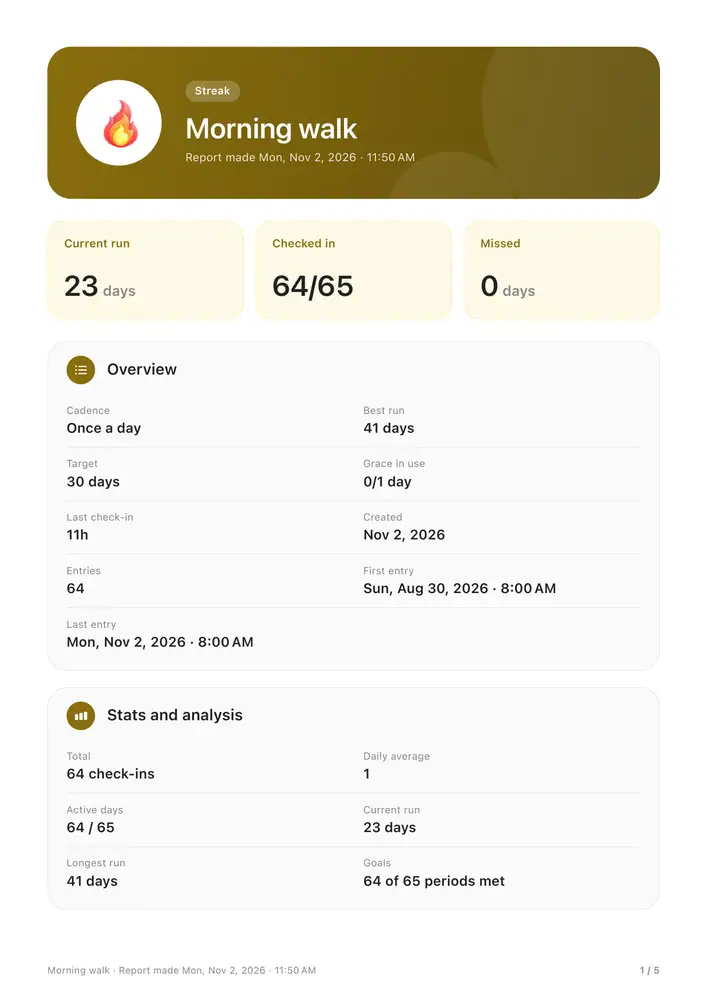
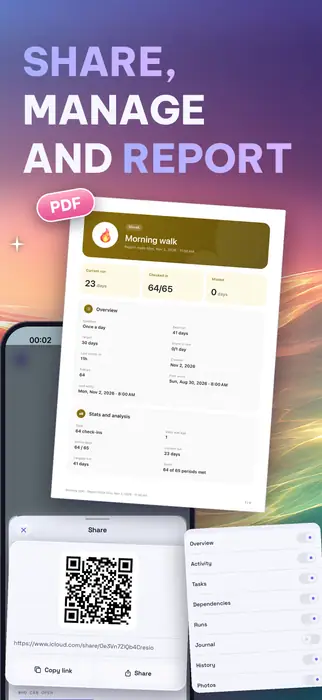
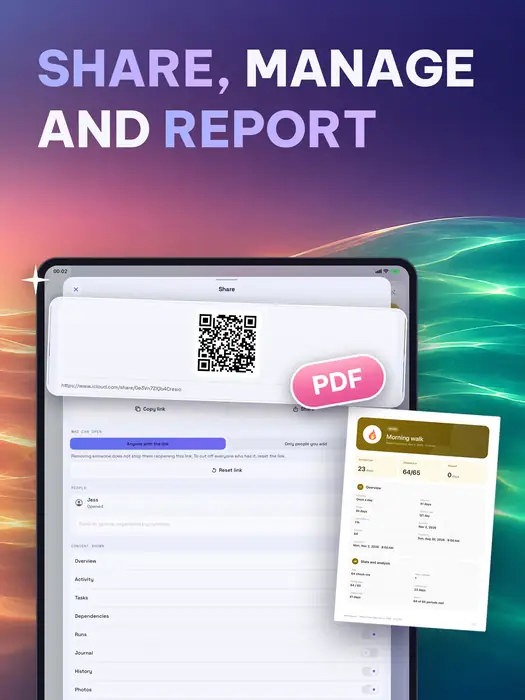
- Export a counter's details, stats and full history as one PDF
Share and sync
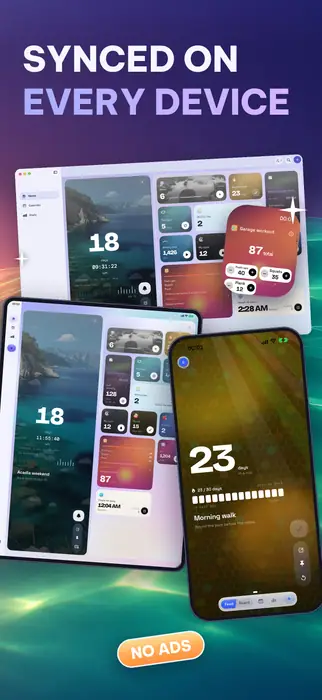
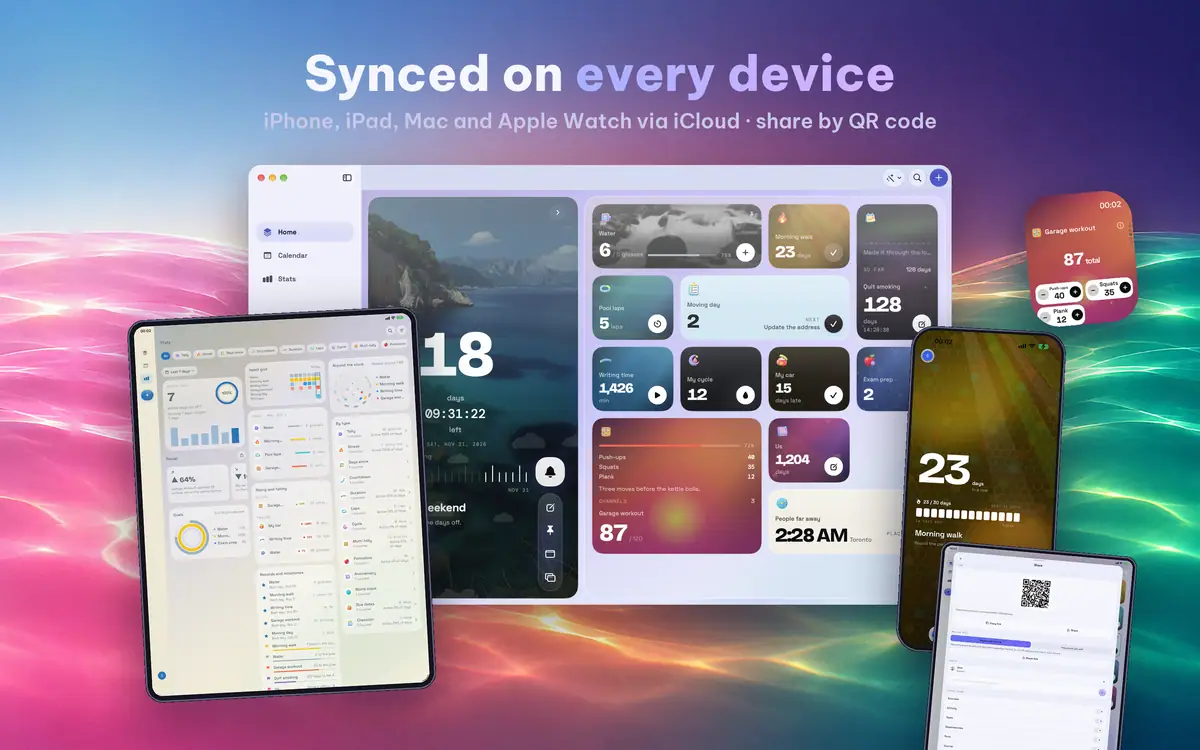
Your counters stay in step on every device you own, and you can hand one to someone else.
- Sync across iPhone, iPad, Mac and Apple Watch with iCloud
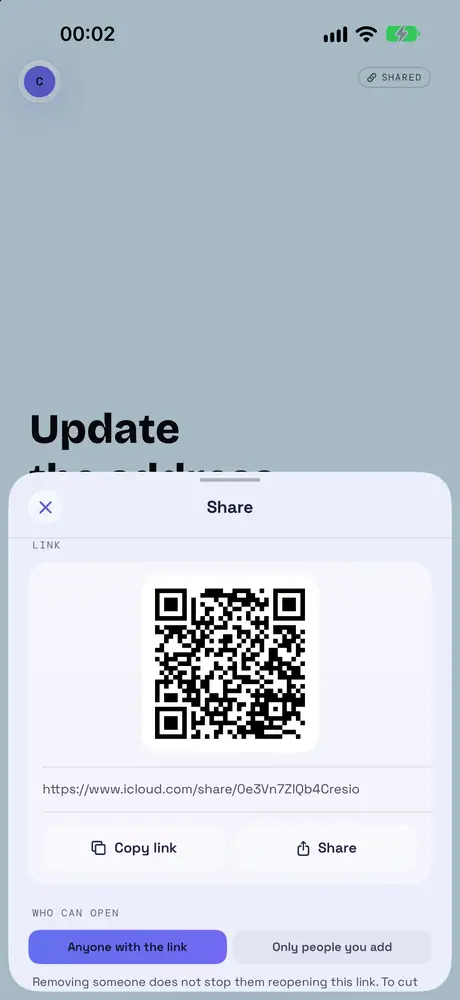
- Send any counter by link or QR code: they follow it live and can only view it, and you choose what they see
- Back up everything, photos included, to a single file whenever you want
Store packs
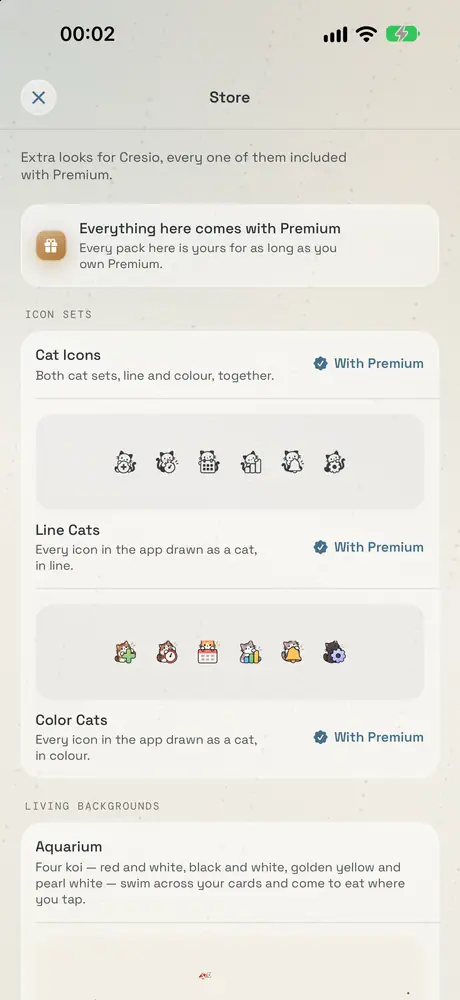
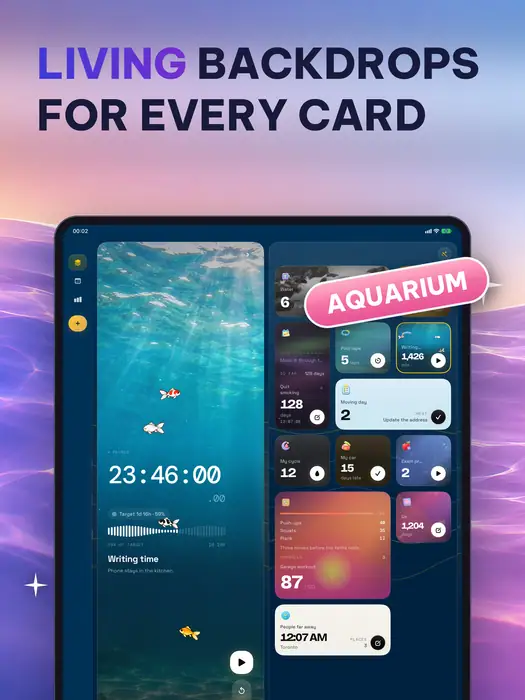
The Store sells icon sets and living backgrounds, one pack at a time. Premium includes every pack.
- Line Cats and Color Cats: every icon in the app drawn as a cat
- Aquarium: four koi swim across your cards and come to eat where you tap
Apple Watch
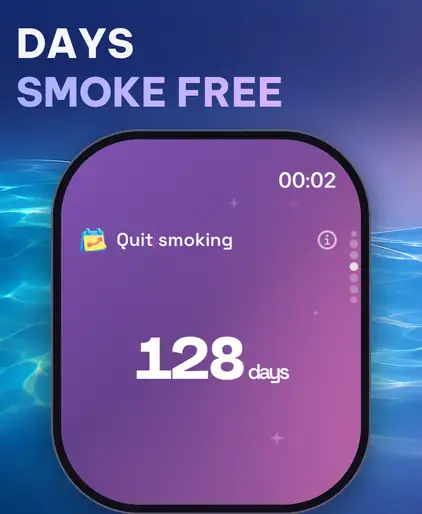
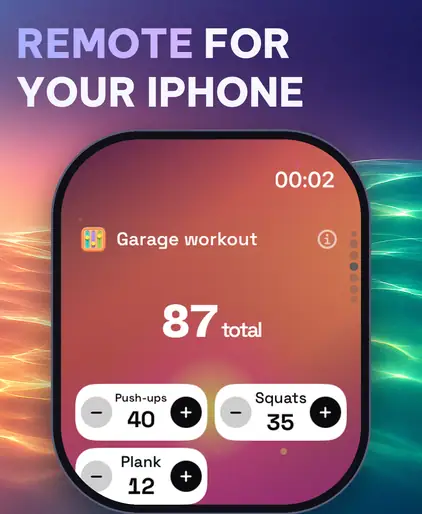
The Apple Watch app keeps your counters on your wrist.
- Complications for the counters you check most
- Count, start a timer or keep a streak from your wrist
- A remote for your iPhone
On the Mac
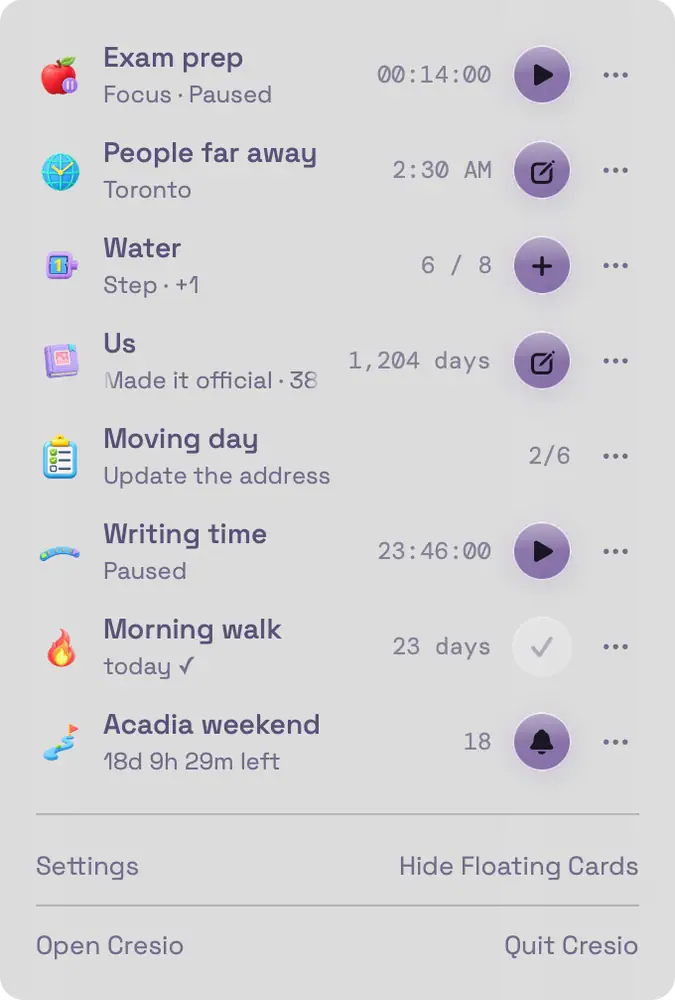
Cresio on the Mac stays within reach while you work.
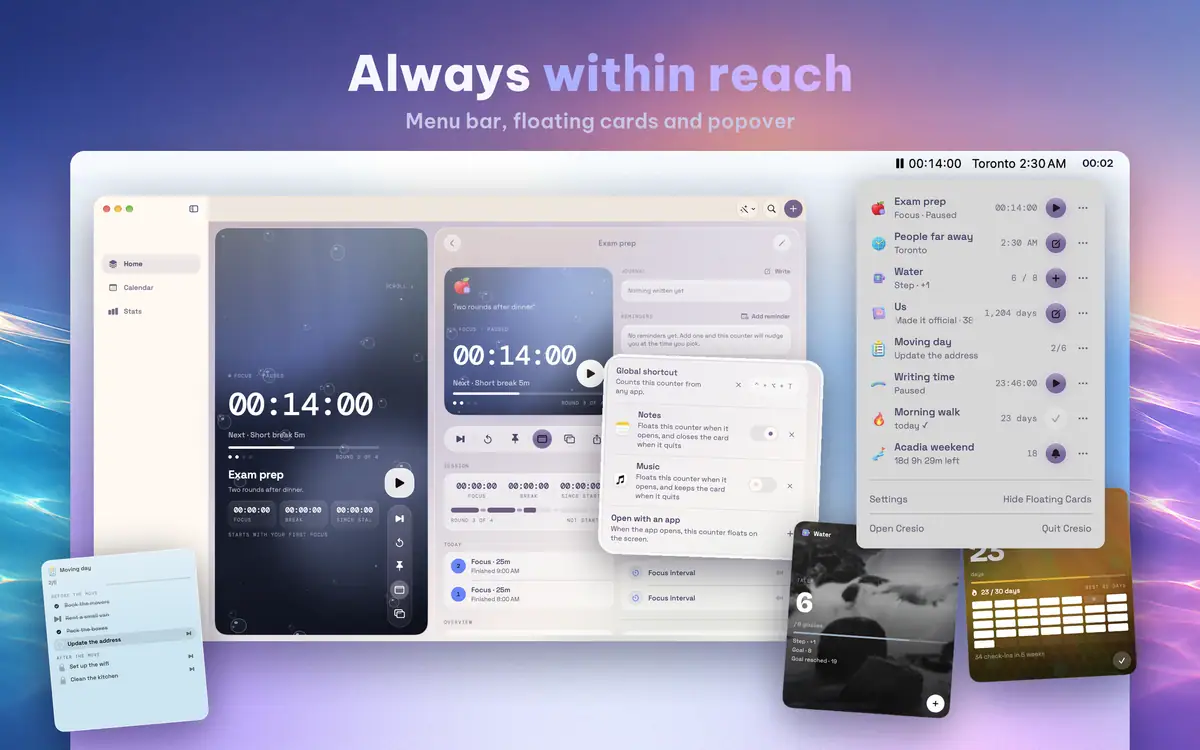
- Floating cards: put a counter above every app, drag it anywhere, click to count
- Menu bar: a small window to count, start or pause without opening the app
- Linked apps: a counter's card appears when you open its app
- System-wide shortcuts, and Cresio can open at login


Made for iPad
Wide screens get a wide layout.
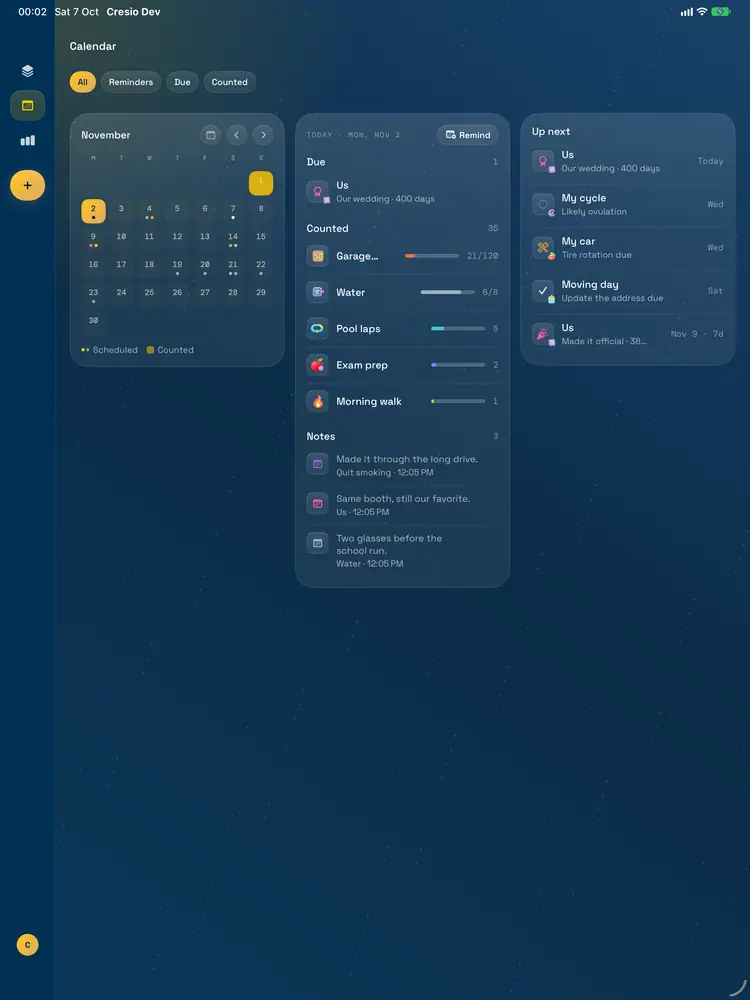
- Feed, details and Board side by side
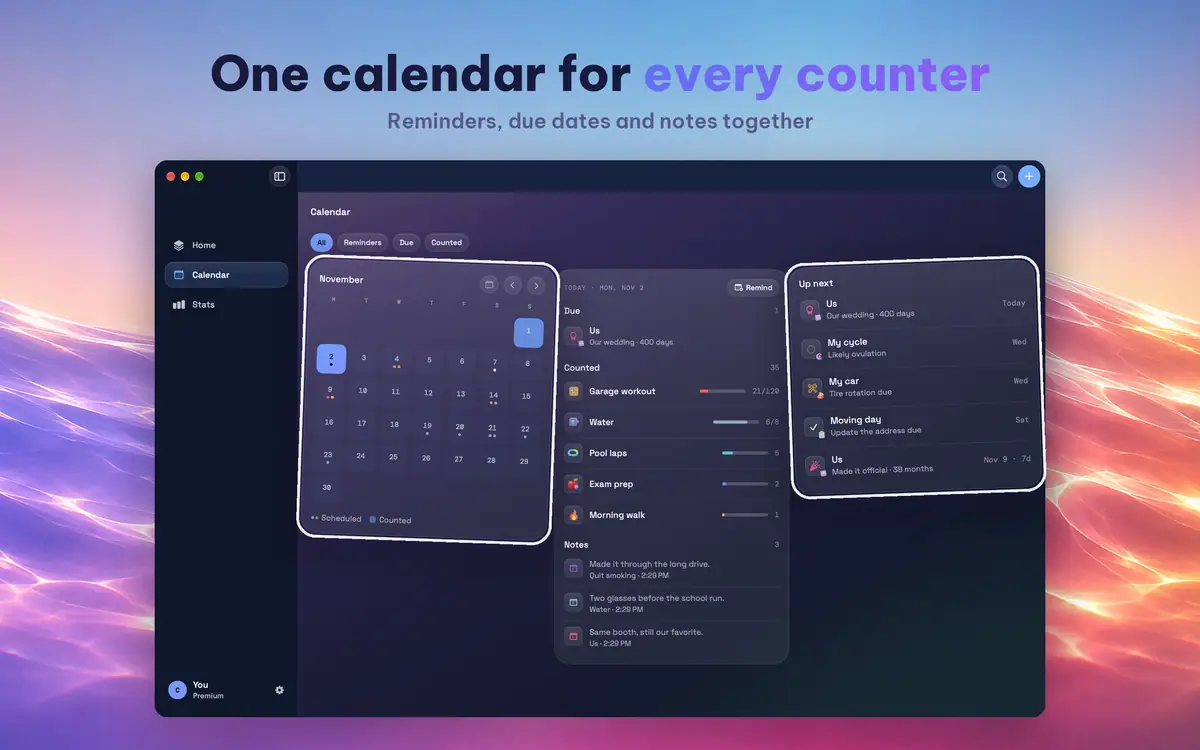
- One calendar for the reminders, due dates and notes of every counter
Private by design
No account is needed. There are no ads and no tracking, and your data stays in your own iCloud.
- Lock the app with a passcode, Face ID or Touch ID, and hide widget content while it is locked
- Hide a counter from the Feed and widgets until you unlock it
Gallery
iPhone
iPad
Mac
Apple Watch
Platforms
iPhone & iPad
Feed and Board, widgets, Live Activities, Control Center, Siri and Shortcuts.
iOS and iPadOS 17.6 or laterMac
Floating cards, the menu bar, linked apps and system-wide shortcuts.
macOS 14.6 or laterApple Watch
Complications, counting from your wrist and a remote for your iPhone.
watchOS 10.0 or later