Count what matters.
Tallies, streaks, countdowns, habits and days since, in one app. Swipe through full-screen cards, add a widget, and keep everything in your own iCloud.

Free · No account · No ads · No tracking
Scroll ↓
- Our wedding1 year · Oct 146 days ago
- Made it official37 months · Oct 2324 days ago
- Today
- Made it official38 months · Nov 23in 7 days
- Made it official39 months · Dec 23in 37 days
- Weekend in BostonJan 7 – Jan 10in 52 days
First coffeeJul 31
1,204
dayssince
Made it officialMon, Nov 23
7
daysleft
Weekend in BostonThu, Jan 7
52
daysleft
Our weddingMon, Sep 20
308
daysleft
All the little dates that stayed.
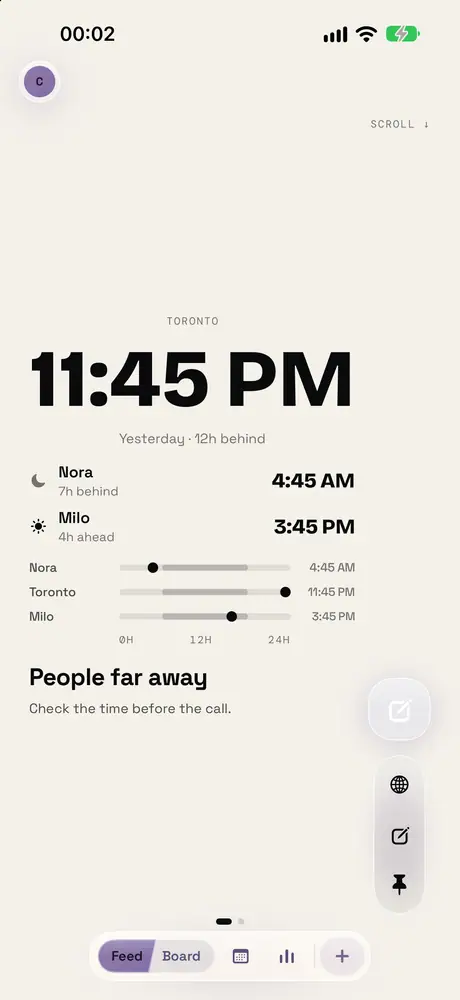
Toronto
9:18 PM
Yesterday · 5h behind
- NoraHere
- Milo11h ahead
Check the time before the call.
Next
Maths
P.204 · 7:00 AM
Literature · 8:55 AM
Every lesson of the week, and what changes today.
Now
Play games
7 min left
Today
- Play gamesNow
- Read9:00 PM
- BreakfastTue 7:30 AM
- StudyTue 9:00 AM
View only · Alex
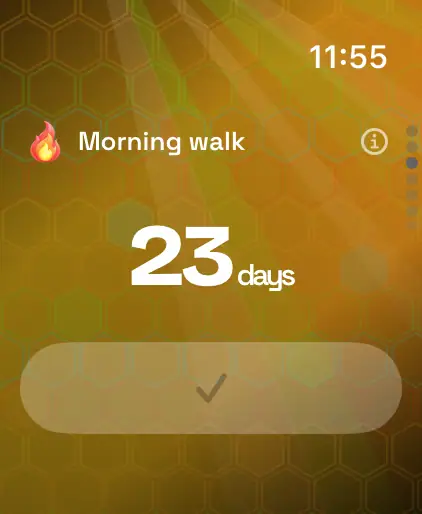
23
daysin a row
23 / 30 daysBest 41 days
14 days agoToday ✓
Round the park before the inbox.
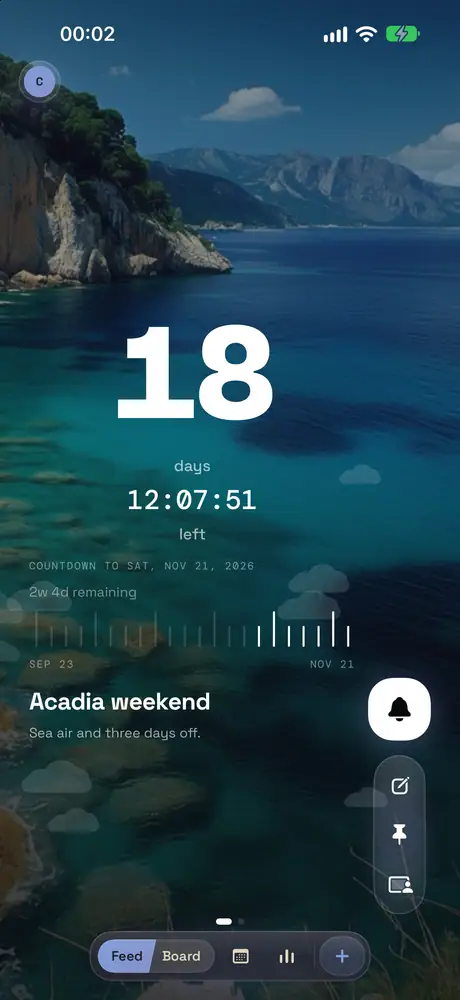
18
days
09:31:22
left
Countdown to Fri, Dec 4, 2026
2w 4d remaining
Oct 6Dec 4
Sea air and three days off.
128
days
14:28:38
Since Fri, Jul 10, 2026
237 days to the 365-day mark
One morning at a time.
00:04:41
.185
/ 8 laps
- 0500:49.00
- 0400:55.00
- 0300:53.00
- 0200:56.00
- 0100:49.00
- Best
- 00:49.00
- Avg
- 00:52.40
- Last
- 00:49.00
- This lap
- 00:19.18
Easy lengths before breakfast.
Pinned
6
glasses
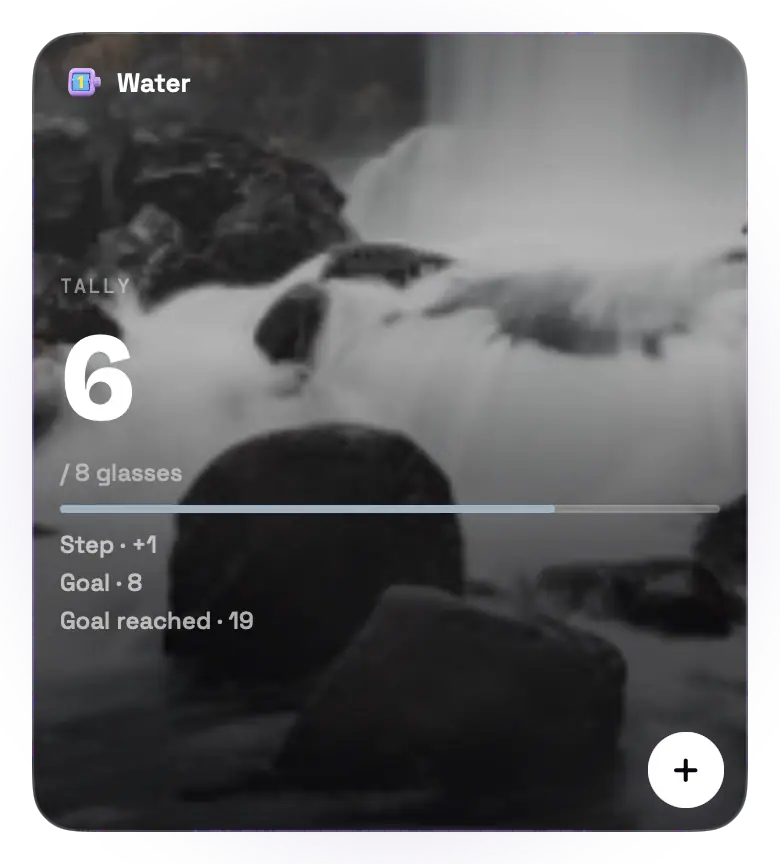
Eight glasses. One desk bottle.
Journal2 notes →
- nowTwo glasses before the school run.
- 2dRemembered the afternoon refill.
nowWrite a note…
Update the address
Before the move · Unlocks 2
2/6 · 1 skipped
One job at a time, in the right order.
87
total
- Push-ups
- Squats
- Plank
Three moves before the kettle boils.
Focus · paused
00:14:00
Next · Short break 5m
Round 3 of 4
Two rounds after dinner.
00:00:00Focus00:00:00Break00:00:00Since start
Starts with your first focus15
days late
Air filter
Due Sun, Nov 1, 2026
- Air filter15d late
- Tire rotation2d
- Oil change12d
- Car insurance40d
Oil, tires and paperwork, before they lapse.
12
dayof 28
Fertile window
High chance of pregnancy · ovulation in 2 days
PeriodFertileRest
Next period in 17 days · Thu, Dec 3
Day 12 · Fertile windowToday's advice
Near the peakOvulation is two days off. Fertility is climbing.
Paused
23:46:00
.00Target 1d 16h · 59%
59% of target1d 16h
Phone stays in the kitchen.

Same booth, still our favorite.
All the little dates that stayed.
- Since the start1,204 days
- To next mark46 days
1,204days

Check the time before the call.
- Places3
- In daylight2 / 3
9:18 PM Toronto

Mon · Maths
Play games

Round the park before the inbox.
- Current run23 days
- Best run41 days
23days

Sea air and three days off.
- Weeks left2w 4d
- Waited69%
18days

Made it through the long drive.
One morning at a time.
- So far128 days
- To go72 days
128

Easy lengths before breakfast.
- Best00:49
- Last lap00:49
5laps

Two glasses before the school run.
Eight glasses. One desk bottle.
- Today6
- Goal8 glasses
6/ 8 glasses

One job at a time, in the right order.
- NextUpdate the address
- Done2
2

- Push-ups40
- Squats35
- Plank12
Three moves before the kettle boils.
- Channels3
- Combined goal120
87/ 120

Two rounds after dinner.
- Round2
- Focus today50 min
2

Oil, tires and paperwork, before they lapse.
- NextOil change
- Items4
15days late

- Cycle (set)28 days
- Periods2
12

Phone stays in the kitchen.
- Target met9 / 16
- Sessions34
1,426min
Try it: scroll the Feed, tap a tile, press a button.
14 ways to count.
From a simple tally to a daily streak, a countdown or a work shift: each type is built for what it counts.
Counting up
Habits
Time
Dates
Tap a card to try that counter in the app above.
One card at a time, or all at once.
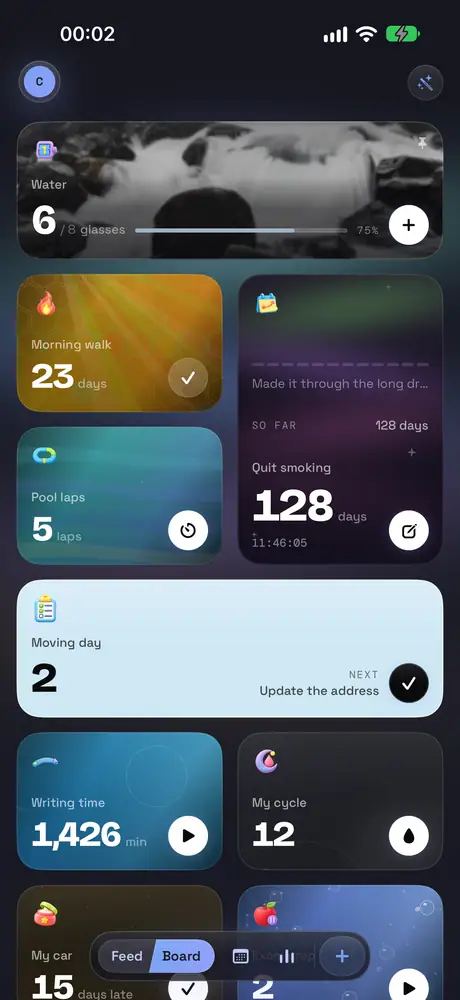
Every counter is a full-screen card with its own color and background. Swipe through them like a feed, or open the Board to see every counter at once.
- Tap +1, double-tap, or use several channels at once
- Sort the Board by name, date created or type, and gather counters into groups
- The Feed brings back counters you have not looked at in a while
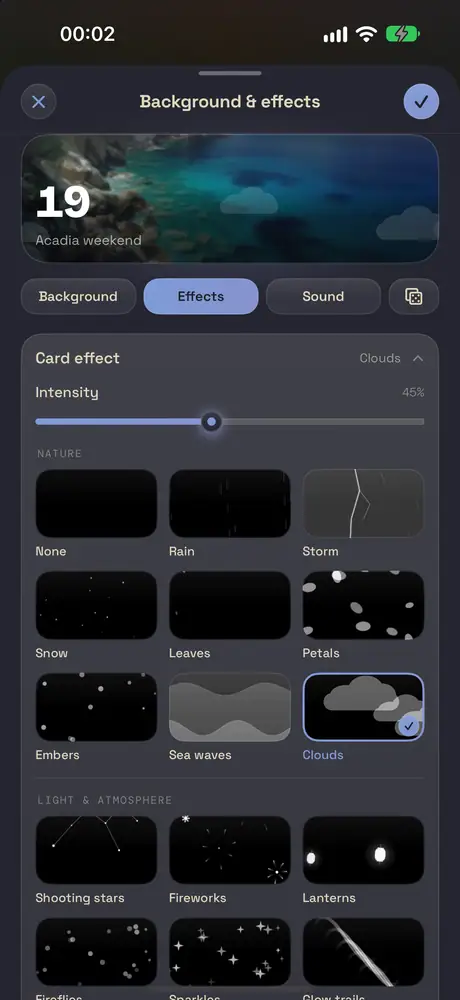
Every counter looks like you chose it.
Choose a background, effects that drift over the card, a sound for every tap and an icon style. Even the palette of the whole app is yours to pick.
- Backgrounds, from designed patterns to your own photos
- Effects that drift over the card, and sounds that go with a tap
- Choose which parts each card shows, and how they are laid out
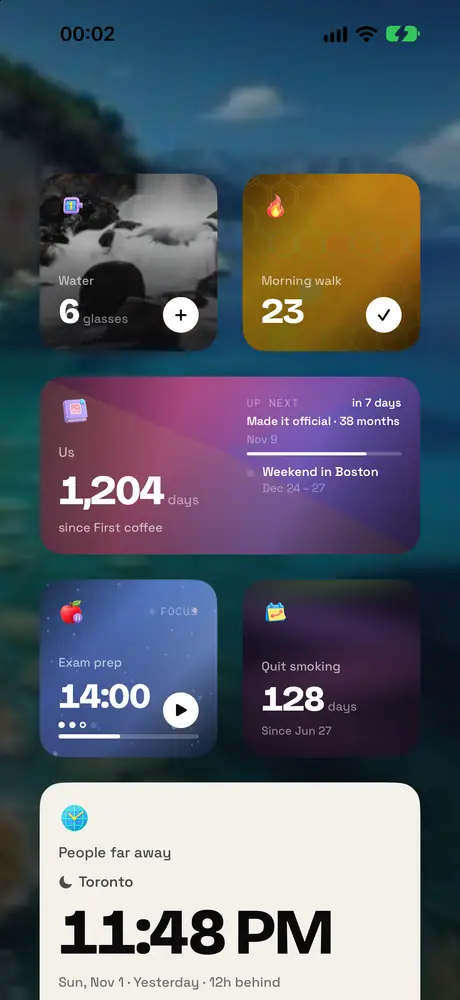
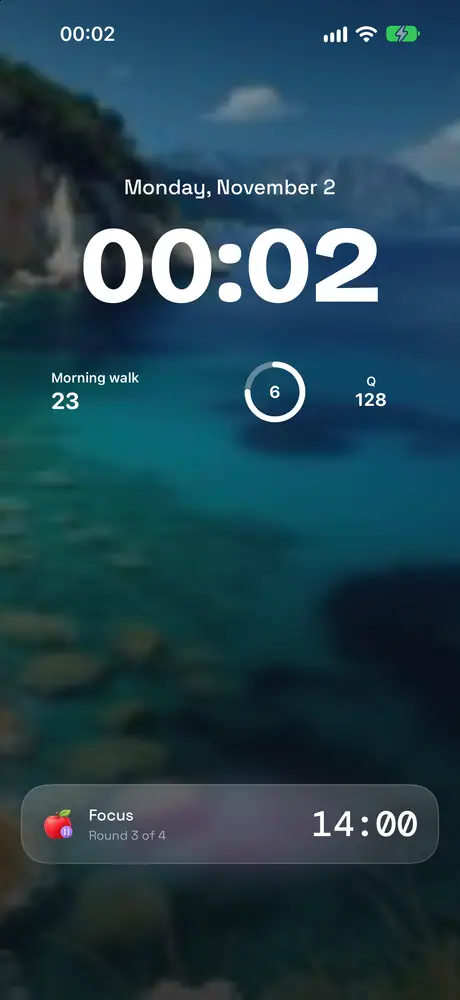
Right on your Home Screen.
Count without opening the app: add a widget to the Home Screen or Lock Screen, or follow a running timer with a Live Activity and the Dynamic Island.
- Live Activities on the Lock Screen and in the Dynamic Island follow a running timer
- Shortcuts, Siri and the Action button count, read a value or add a note
- Reminders for your daily check-in, and alarm-style reminders for dates that matter
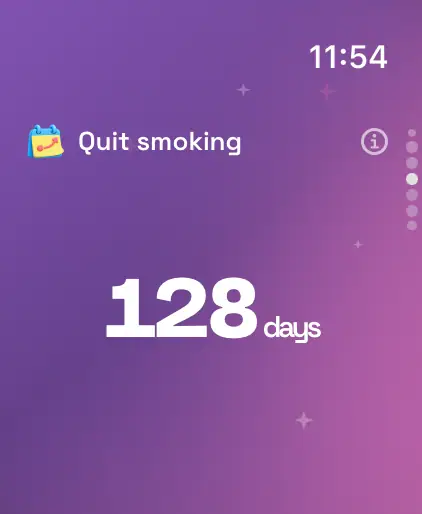
On your wrist and above every window.
Count from your wrist with complications, or keep a floating card above every app on your Mac.
- Complications for the counters you check most
- Count, start a timer or keep a streak from your wrist
- Floating cards: put a counter above every app, drag it anywhere, click to count
See how you really did.
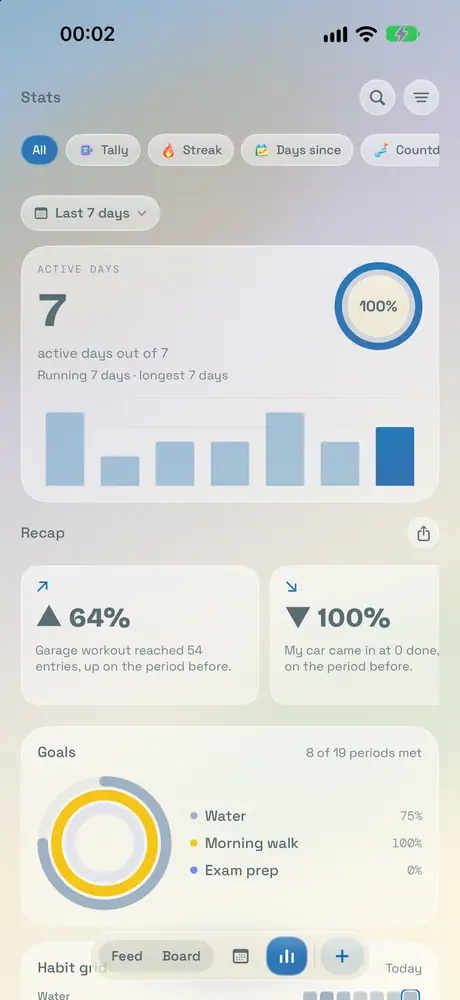
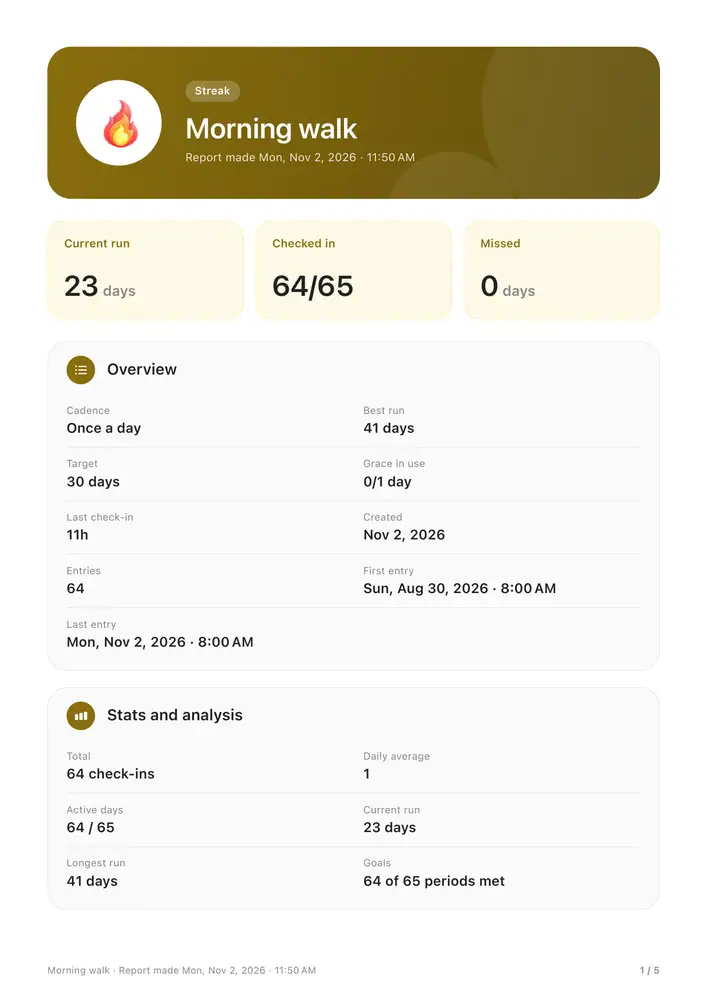
Add a note to any count, then see your week, month and year in the stats.
- A journal for every counter, with notes and photos
- Statistics by week, month and year
- A day report compares a day with the week before
And a few more things.
Share by link or QR
Send a counter to a friend. They follow it live and can only view it.
Reminders
A nudge for your daily check-in, or an alarm for a date that matters.
One-file backup
Export everything, photos included, to a single file whenever you want.
App lock
A passcode, Face ID or Touch ID, and widgets that hide while it is locked.
Spotlight
Find any counter straight from Spotlight search.
iCloud sync
Every device stays in step, with no account to create.
33 languages
Cresio speaks yours.
Store packs
Cats on every icon, or koi swimming across your cards.
Your counts stay yours.
Your counts live in your own iCloud. There is no account to create, no ads and no tracking.
- No account
- No ads
- No tracking
Free to start. Premium once.
Up to 3 counters, one of each type. The Feed, Stats, iCloud sync and export are always free.
One purchase. No subscription.
- Unlimited counters
- Every widget, in every size
- 3D, Neon and Minimal icons
- Every background, effect and sound
- Floating counters on the Mac
- Every Store pack included
Questions, answered.
What does the free plan include?
The free plan does not expire: up to 3 active counters (one of each type) and 2 archived, 2D icons, the effects and looks not marked Premium, and one widget in each place. Sync, Stats, export, receiving shares, complications, Live Activities and showing hidden counters again are always free.
Premium is bought once, with no subscription, and unlocks more: unlimited counters, starting a share and hiding counters, every look and icon style, every widget, floating counters on Mac, Spotlight, and every pack in the Store marked as included with Premium.
→How does iCloud sync work?
Cresio stores counters on your device and syncs them through your own iCloud between iPhone, iPad and Mac. Just sign in with the same iCloud account and turn on iCloud for Cresio. Sync is always free. Apple Watch receives counters from the iPhone.
Settings › Sync shows the status, last sync, iCloud account and network, with a Sync now button.
→Restore purchases
Premium is tied to your Apple Account, so it works on every device signed in with that account. After switching devices or reinstalling, open Settings › Cresio Premium and tap Restore purchases. The button is also in Settings › Store, to get back packs you bought individually.
If you still do not see it, check that the device is signed in to the Apple Account that made the purchase.
→Privacy and my data
Your counters live on your device and in your own iCloud. Cresio has no servers of its own, uses no analytics or tracking, and collects no data about you.
Sharing goes through Apple's iCloud, and only people you invite, or who have the link, can open it. Feedback is sent only when you send the email yourself.
→Switching devices or reinstalling the app
Sign in with the same iCloud account, install Cresio and open it. Cresio checks iCloud and downloads your counters, and the screen shows how many are being fetched. Keep the app open until it finishes.
Before deleting the app or changing devices, open Settings › Sync and wait for Up to date, so the latest changes have reached iCloud.
→
Start counting.
Cresio is on the App Store for iPhone, iPad, Mac and Apple Watch.